Make New York Post a Preferred Source Carrie Berk My boyfriend and I have opposite sleep habits: he’s a side sleeper while I snooze mummy-style, and he sleeps soundly while I occasionally snore. Neither of these causes a disruption, but one particular preference has been bothering us lately: he loves sleeping in an ice-cold room, but I can’t doze off unless I’m cozy and warm.
I’ve heard about temperature-controlled mattress toppers for a while now, but I was too shy to make the investment (they can be quite the splurge). Three and a half years into our relationship, I decided it was finally time to give it a try — and the Eight Sleep Pod 6 was at the top of my list.
The smart mattress cover features an advanced temperature-regulation system that heats and cools each side of the bed within an extensive range, between 55 degrees Fahrenheit and 110 degrees Fahrenheit.
Although you can manually control the temperature using buttons at the side of the bed, there’s a setting that automatically adjusts how hot or cold you are based on your body at different stages throughout the night.
Similar to an Oura ring or Whoop, Eight Sleep also offers extensive sleep data upon waking up, including heart rate, heart rate variability (HRV), sleep stages and snoring.
When you’re ready to wake up in the morning, gentle vibration and thermal alarms subtly help you rise with the sun.
A distinguishing feature that separates this cooling topper from others is that it can give information about your biological age, the speed at which you’re aging according to heart rate, respiratory rate and more. According to the Eight Sleep app, I’m trending 1.7 years younger — score!
Sizes: Twin, Twin XL, Full, Queen, King, California King, solo configuration I Type: Smart temperature-regulating mattress cover and sleep-tracking system I Shipping & warranty: Free shipping and free returns. 2-year standard limited warranty I Sleep trial: 30-night risk-free trial I Special features: Heats and cools different sides of the bed, sleep tracking metrics, vibration and thermal alarms, autopilot technology that automatically adjusts temperature
It took a full two hours to set up my Eight Sleep Pod. After unboxing the hub, cover, power cord and water pitcher, you must sync the product to its companion app and follow the detailed steps.
To start, one must place the hub near their bed, leaving approximately 10 inches of space on all sides to ensure optimal airflow. Then, connect the power cable to the hub and a wall outlet and wait a few minutes for the light to flash blue.
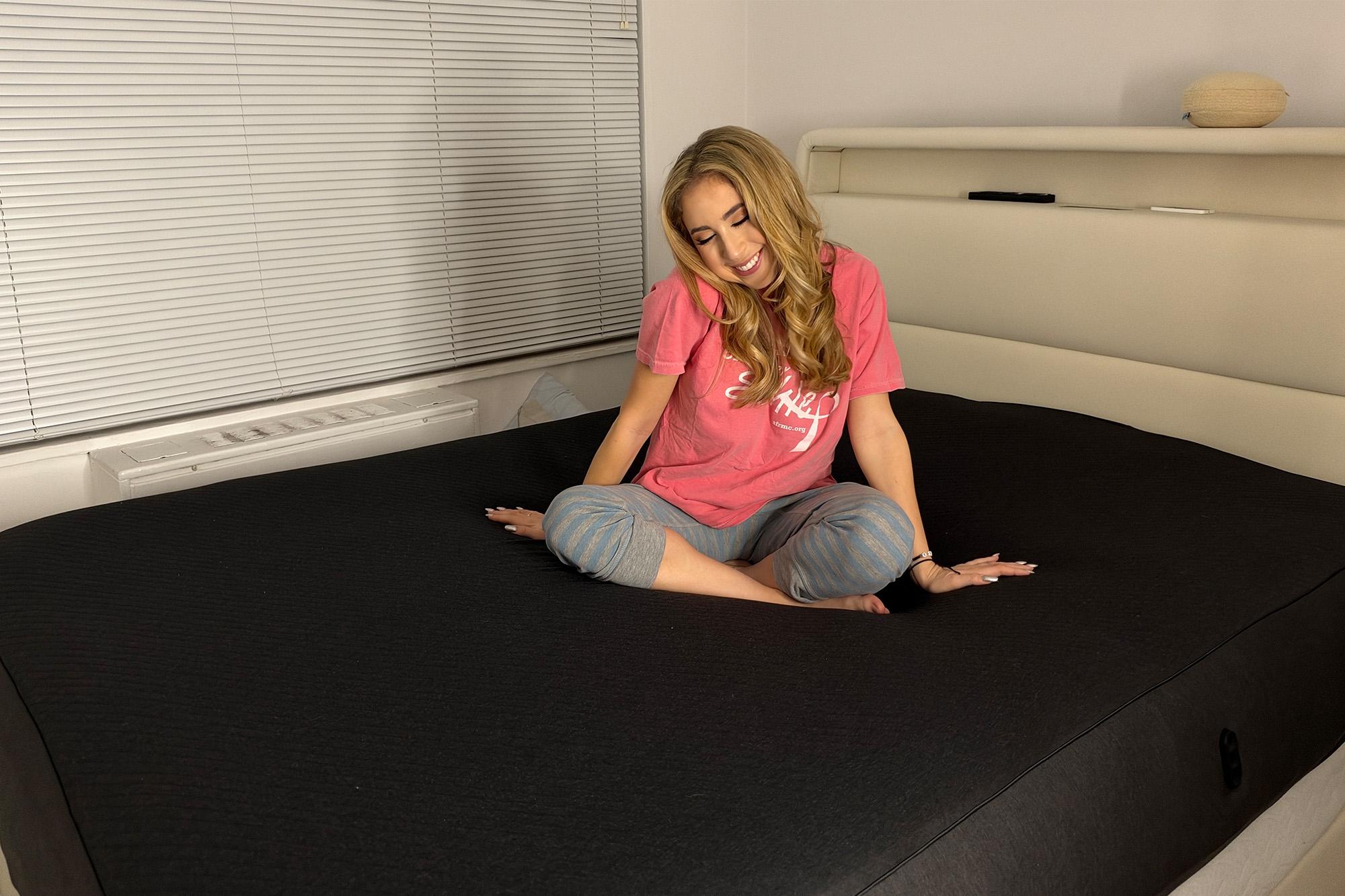
Carrie Berk After your pod is connected to the app via Bluetooth, it’s time to lay the pod cover onto your mattress, ensuring all sheets and duvets are removed first. There’s a label that reads “top-left corner” to ensure the pod cover is placed in the correct spot.
Now, the most important part. Click the water cord into the hub and make sure it’s secure to avoid any accidental leakage. Open the lid of the hub and pour water in up to the fill line. (This is what took the longest amount of time.)
Each pour pushes water into the numerous tubes inside the mattress cover, which is quite large. The app will notify you each time another round of water is needed.
The Eight Sleep hub contains six solid-state thermoelectric modules. When an electric current passes through them, it affects the temperature. If you set the pod to “cold,” the hub will drain heat from the water reservoir and push warm air out through side vents. To make the pod warm, the opposite process occurs, with heat pushed into the water and cool air exhausted.
You can control the temperature of your pod in a range of 10 points in either direction. Set the temperature to specific digits via the Eight Sleep app for bedtime, the middle of the night and sunrise, or have it adjust automatically. If you anticipate wanting to change your bed’s temperature to different levels depending on the night, I recommend turning off any automatic settings and just opening the app to set your numbers before bed.
In the morning, Eight Sleep texts you a customized report with data about how restful your evening was, including how much deep sleep, REM sleep, snoring, sleep interruptions and more.
If you sleep with a partner, they can download the app and have it synced to their side of the bed. This way, they can make individual temperature adjustments and get their personal sleep stats. The Eight Sleep app even puts your data side by side and gives you a score to compare — it’s a fun competition to see who’s getting the better, more consistent sleep throughout the week.
This product has been a total game-changer for my boyfriend and me. He loves to sleep cold (not frigid) in the middle of the night, so he decided to customize specific settings according to different times of the evening. Meanwhile, I like to set it and forget it: I keep my bed cooled to anywhere between -3 and -5 points. My sheets feel cool but not too cool, and I feel like I’ve definitely slept longer, with fewer interruptions since I’ve implemented Eight Sleep.
While my boyfriend takes pride in the temperature controls, I’m actually more intrigued by the sleep data the bed delivers without me needing to wear a ring or bracelet while I snooze. It provided a chart of what times of the night I was in light sleep, deep sleep and REM sleep, and even logged my sleep interruptions (most likely when I woke up to use the bathroom).
Carrie Berk It took a few days to figure out how each of us preferred to use the pod cover.
At first, I had my side of the bed automatically adjusting its temperature based on how my body felt throughout the night. When I turned up the heat, the second the bed sensed me getting warm, it would make me cold again, even though I didn’t want it to. I should also mention that when the pod cover gets cold, it’s very cold. At -10, I’m curled up in the fetal position, shivering.
I noticed another area of improvement when I was out of town, leaving my boyfriend to sleep in the bed solo. He told me he snoozed on his side of the bed, but with one leg extended toward my side. Eight Sleep assumed that I was still home and logged 18 minutes of sleep on my part. This completely threw off my statistics in the app, as it assumed I was deprived and in “sleep debt” all week. (Note: I later realized you can adjust the numbers in the app if it reads wrong, but I wish it didn’t automatically interpret a foot as a whole person.)
My boyfriend and I had differing opinions about the vibration alarm. I thought it was a gentle and relaxing way to wake up without a blaring sound effect on my iPhone. My boyfriend found it annoying and said it abruptly “shook [him] awake.” To each their own.
Yes, it’s expensive. Yes, it takes a while to set up. But I can say with 100% confidence that the Eight Sleep Pod 6 is worth the splurge. It’s perfect for couples who want to sleep soundly, side by side, without bickering over what temperature every night.
The sleep data is thorough, interesting and inspired me to take control over my evening schedule. I’m determined not to see numbers below seven hours of sleep every time my morning report is texted to me. At first, I assumed it was just wishful thinking, but I’ve been waking up feeling far more energized than before — that can’t be a coincidence.
The Eight Sleep tech is a learning curve, but it’s well worth figuring out — rest assured.
This article was written by Carrie Berk, Commerce Reporter for the New York Post. Carrie specializes in New York City-ready fashion finds for every style, age and budget. Combing the internet’s sale sections, brand collaborations, seasonal trends, timeless staples and lookalike styles, she makes recommendations that stand the test of time in your wardrobe – without breaking the bank. Before joining The Post full time in 2026, her work appeared in HuffPost, Women’s Health, Newsweek and more.
Looking for a headline-worthy haul? Keep shopping Post Wanted.