iPhone users have discovered a hilarious hack to make their device talk back to them.
The personalization idea has taken social media by storm as people show off how they’ve brought pizzazz to the most basic of iPhone features.
The technique was initially discovered by a mom who had been at a US hospital with her daughter.
When she plugged her daughter’s phone into charge, she was met with an unexpected sound.
“I took her phone and put it on charge because it’s about to go dead … when I plugged it up, it made a noise,” the woman explained in a TikTok.
“I thought I was tripping, so I did it again, and it did it again. How did my daughter get it set like this?”
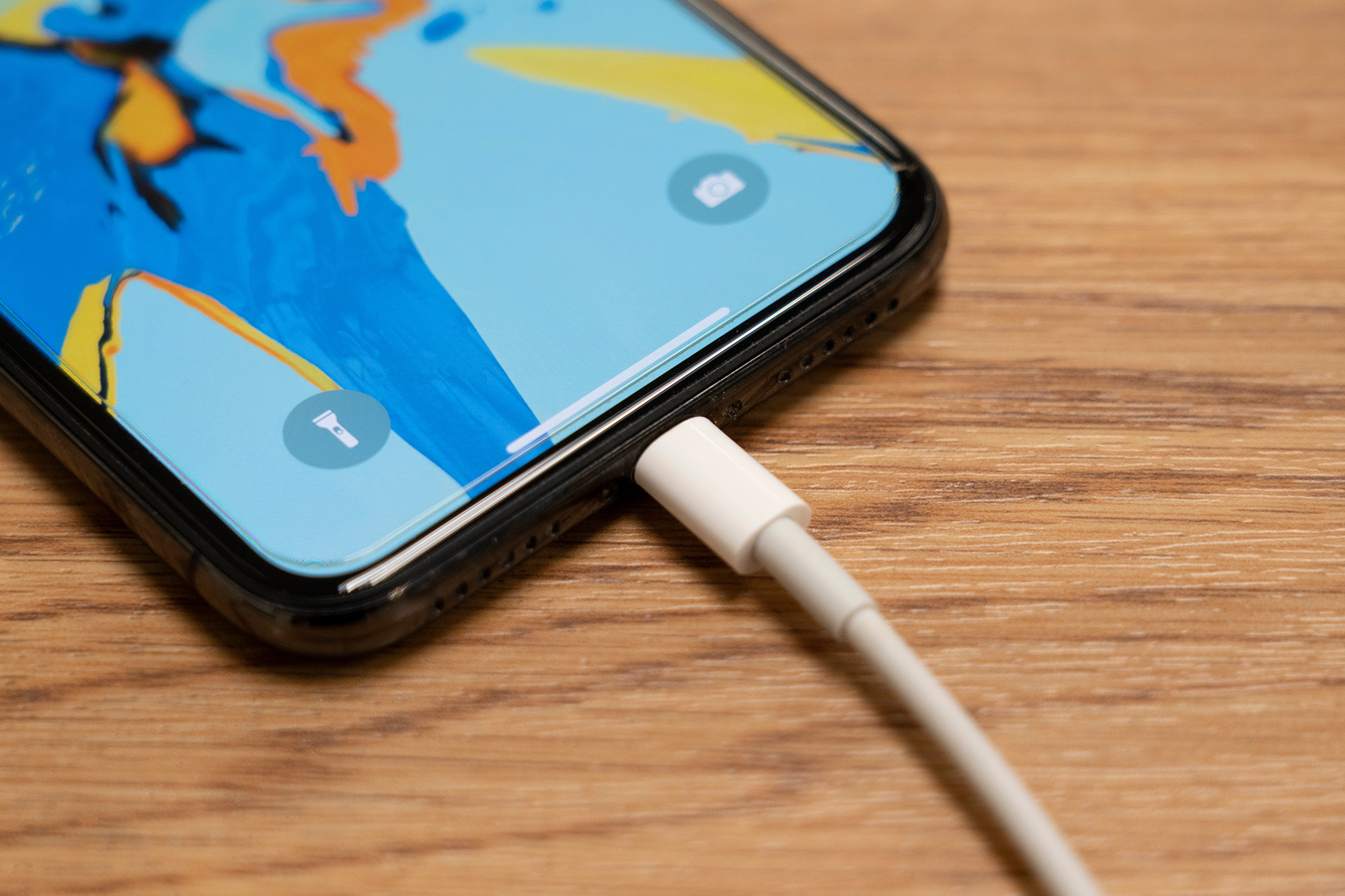
The woman demonstrated plugging the charging cord into the charging port before it played a woman singing “thank you so much” in response to the action.
The video has 14 million views, with commenters revealing the woman’s daughter isn’t alone.
“Mine says, ‘Girl, I almost died’,” one user admits.
Another writes: “Mine is ‘OMG I ALMOST DIED. I WAS SO SCARED. THANK YOU FOR SAVING ME’.”
“Mine is ‘mm mm mm … today drained me,” a third shared.
Meanwhile, a classic Millennial who lives with a phone on mute writes: “As a millennial, I don’t know what noise this phone makes. It’s been silent since the moment I got it.”
The idea has sparked a wave of videos of people sharing their own personalized ringtones that play when they insert their charging cables.
One woman showed off her variation, which includes Beyoncé singing an iconic run of notes.
Another takes it a step further, assigning different sounds to play based on the percentage of battery she has remaining
“Ya’ll should have never let me discover those sound automations because my phone be going off all day,” she said.
Videos are also popping up with instructions for iPhone users who are unsure how to join the charged-up fun.
I can happily say that I managed to make it through the instructions without a second of frustration.
Now, whenever my phone is plugged in, it’ll play the classic meme “just waiting for a mate!”
An iPhone user needs to select their desired sound and create a saved file on their device before navigating to the ‘shortcuts’ application within the device’s menu.
Scroll down until you find ‘Charger’ and ensure ‘run immediately’ is selected before clicking next.
You add the sound by clicking on ‘Play Sound’ and attaching your desired sound from the files already on your phone.
Ensure that the blue text box is placed above the ‘play sound’ tab in the order of actions before hitting select.
Once you’ve made it through the instructions, race to get your phone cable and enjoy the giggle every time you plug your phone in.